Map-first window
A wide canvas for chart texture, relief, weather, routes, and the terrain around the destination.
Aeronautic for Mac is the desktop direction: a larger map, a planner that can stay open beside it, and enough room for the context that gets compressed on a small screen.
Desktop product preview. The native Mac workspace is being built as its own surface. Product availability and final download details will follow the verified Mac build.
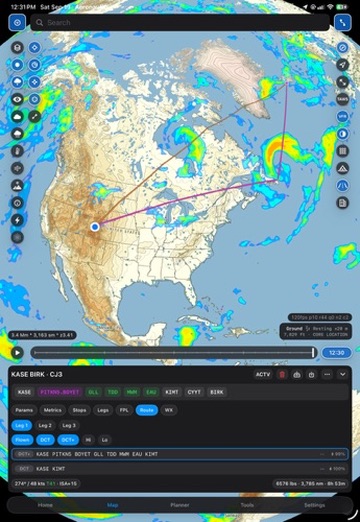
The Mac direction is built around a desktop window: map in the center, planning and airport context beside it, and pointer-friendly controls that let the pilot keep the geography in view.
A wide canvas for chart texture, relief, weather, routes, and the terrain around the destination.
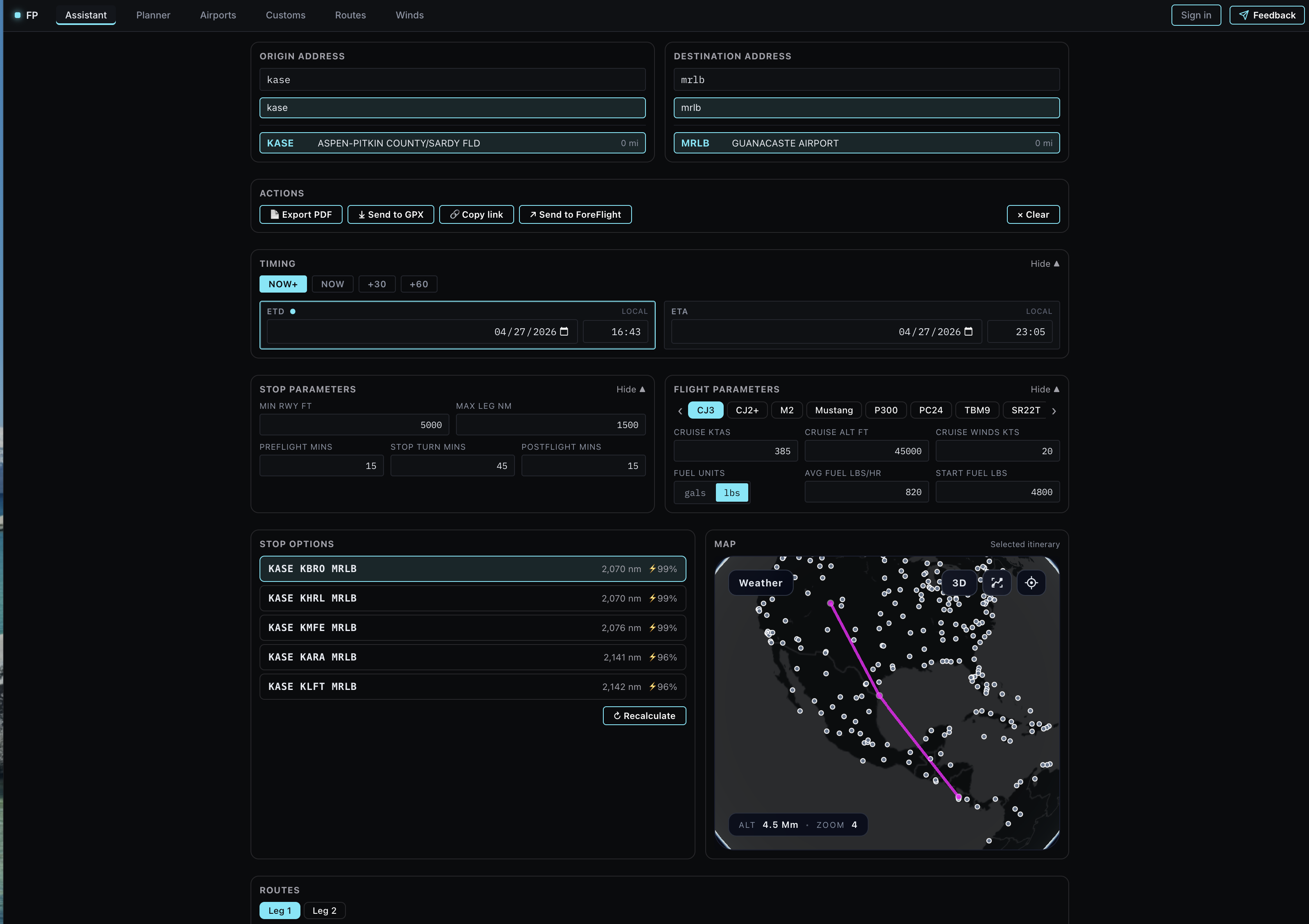
Compare route, stops, winds, and timing without losing the shape of the trip underneath.
Pointer, trackpad, keyboard, and window resizing are first-class parts of the workspace rather than afterthoughts.
The Mac product will bring the same Aeronautic map language into a window sized for planning, briefing, and comparison.
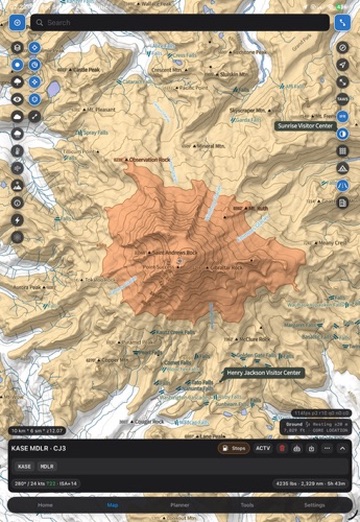
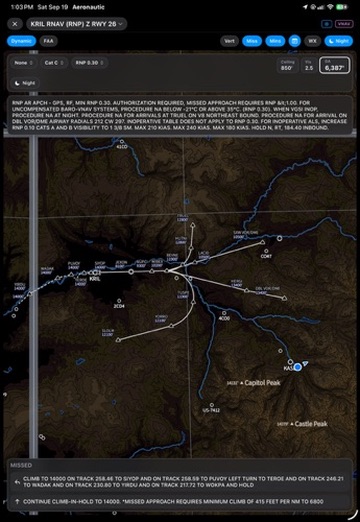
This page is the product direction, not a simulated Mac screenshot. We will replace these product-language previews with captures from the native Mac build as the window, map, planner, and inspector states are verified.
The imagery on this page shows Aeronautic map and planning language. It is not presented as a screenshot of the current Mac application.
Want the desktop beta? Join the Aeronautic beta and help shape the Mac workspace as it comes online.